2011-02-26

UV Layout shortcuts.

Here a table with my favourite UV Layout shortcuts, ready to print in A6 format.
To not forget in future productions.

Click to enlarge.

2011-02-16

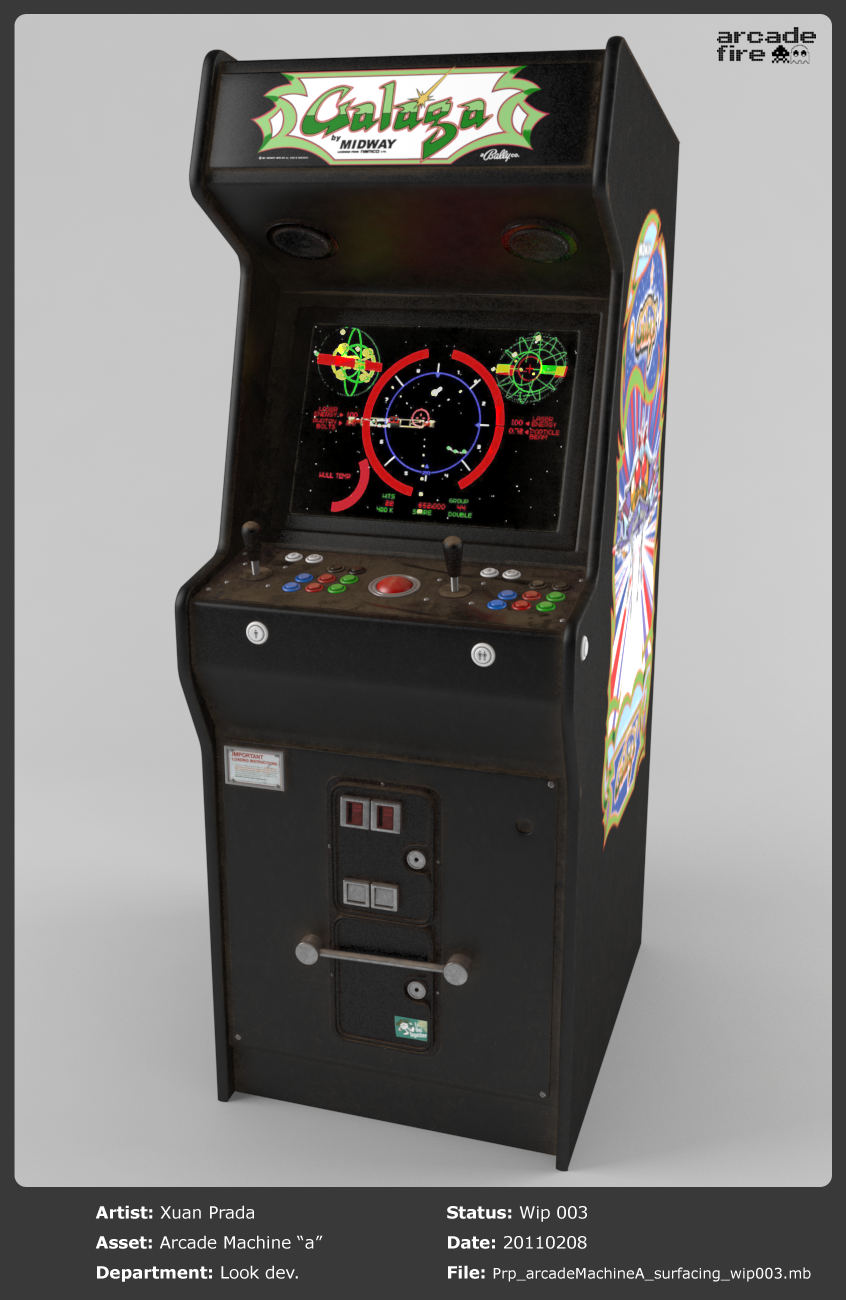
Arcade Fire Wip 005.

Shaders and textures finished for this asset.


Click images to enlarge.

2011-02-08

Arcade Fire Wip 004.

Note: The artwork shown in this post doesn't belong to the I Like You short film.
Fast look development.
Time to refine in 3D.


Click to enlarge.

2011-01-27

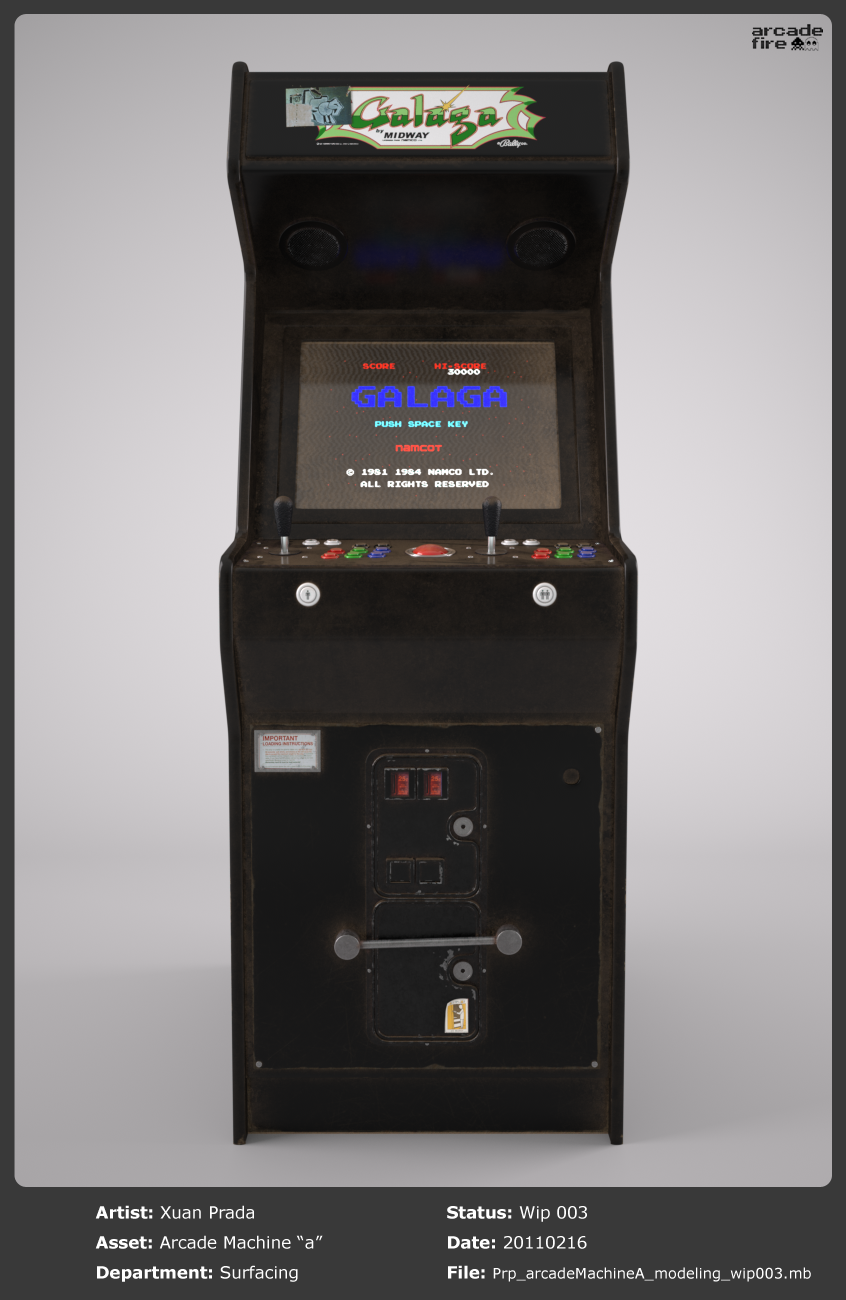
Arcade Fire Wip 003.

Note: The artwork shown in this post doesn't belong to the I Like You short film.


UV Mapping finished.


Click images to enlarge.

2011-01-25

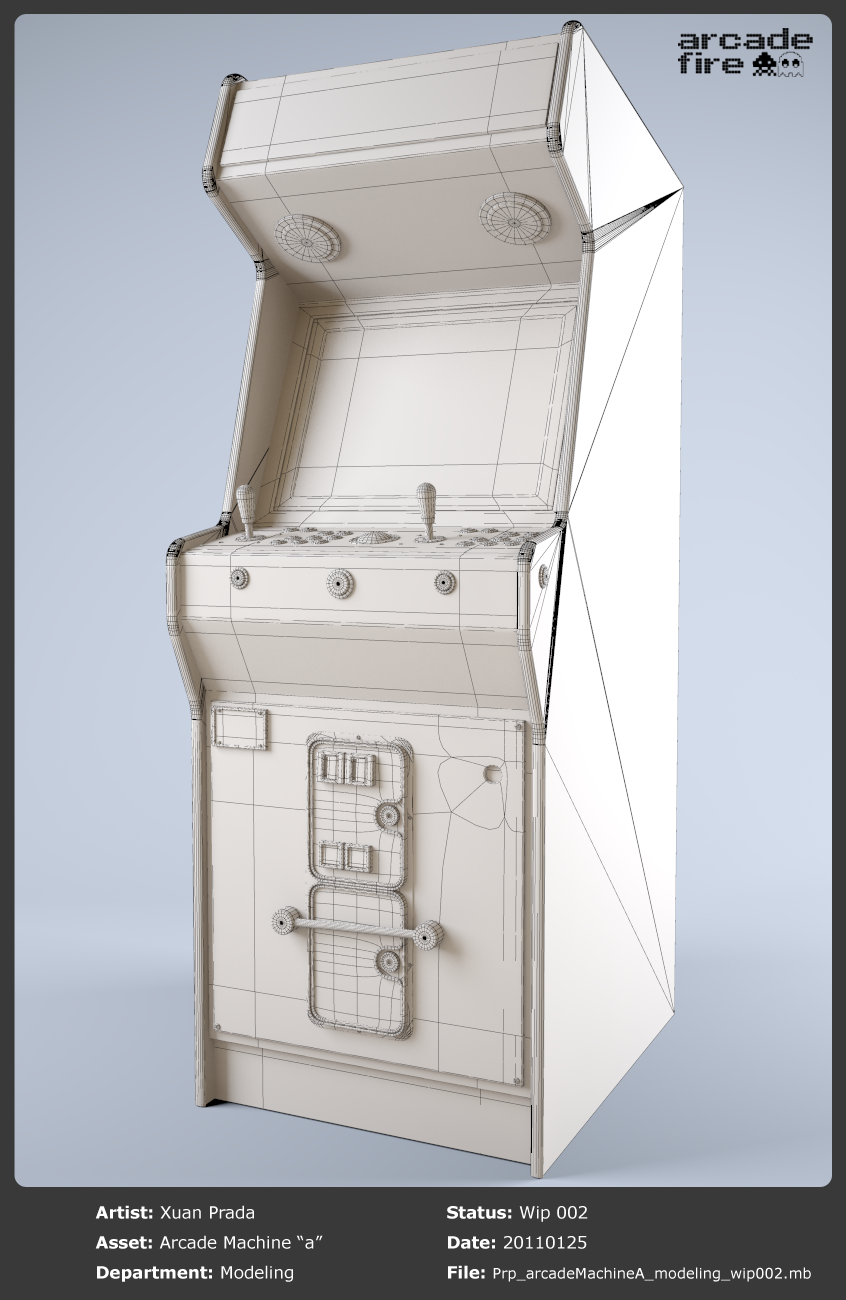
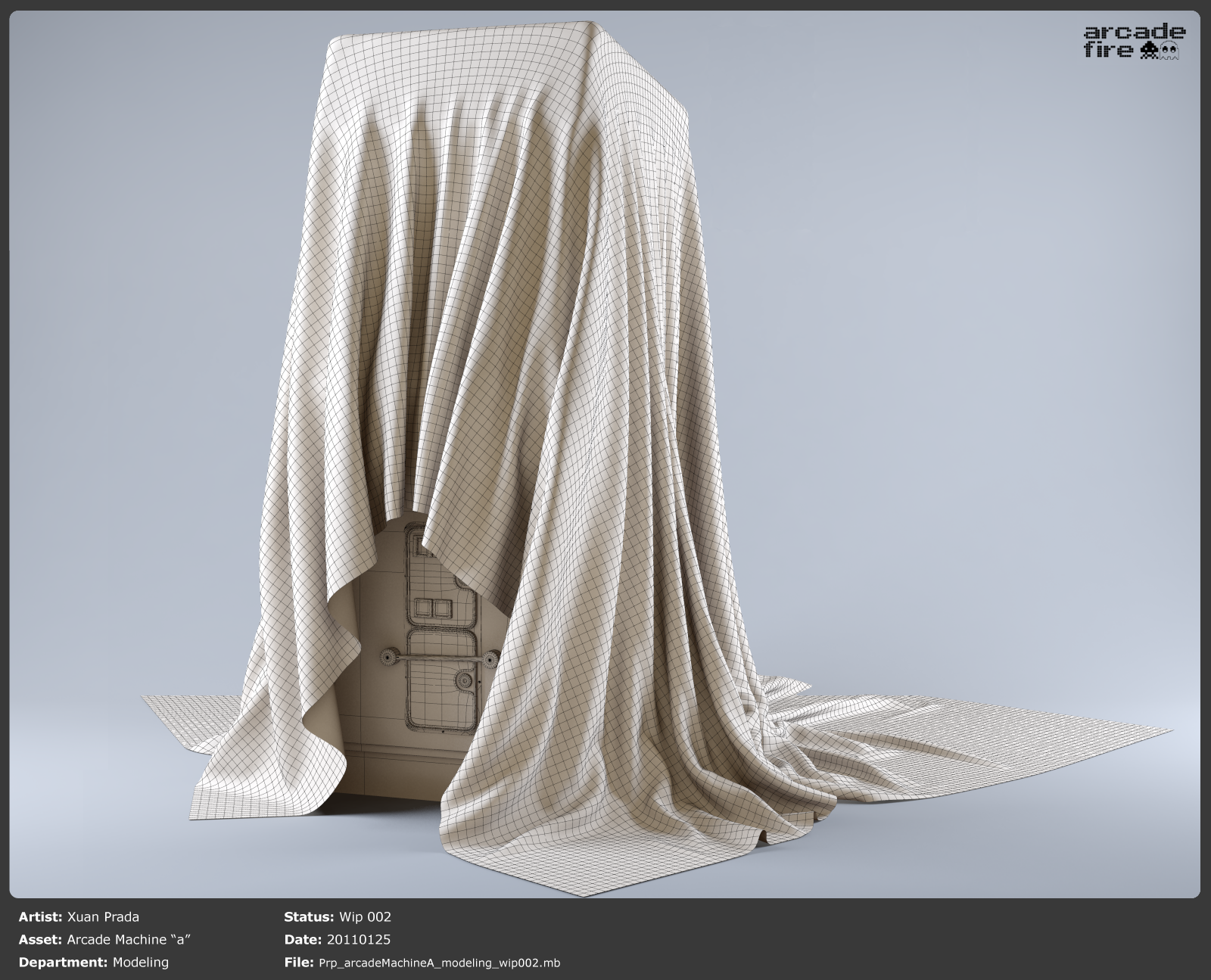
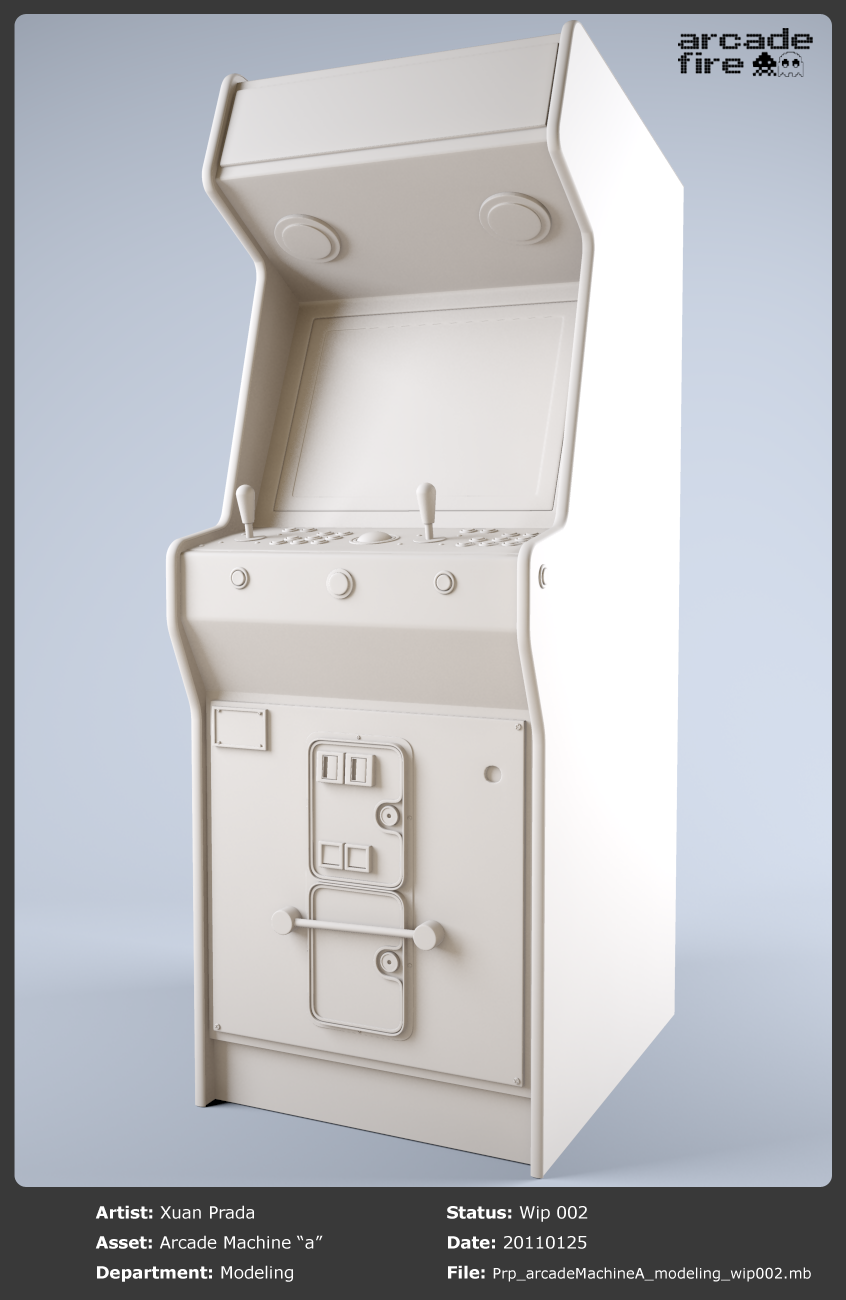
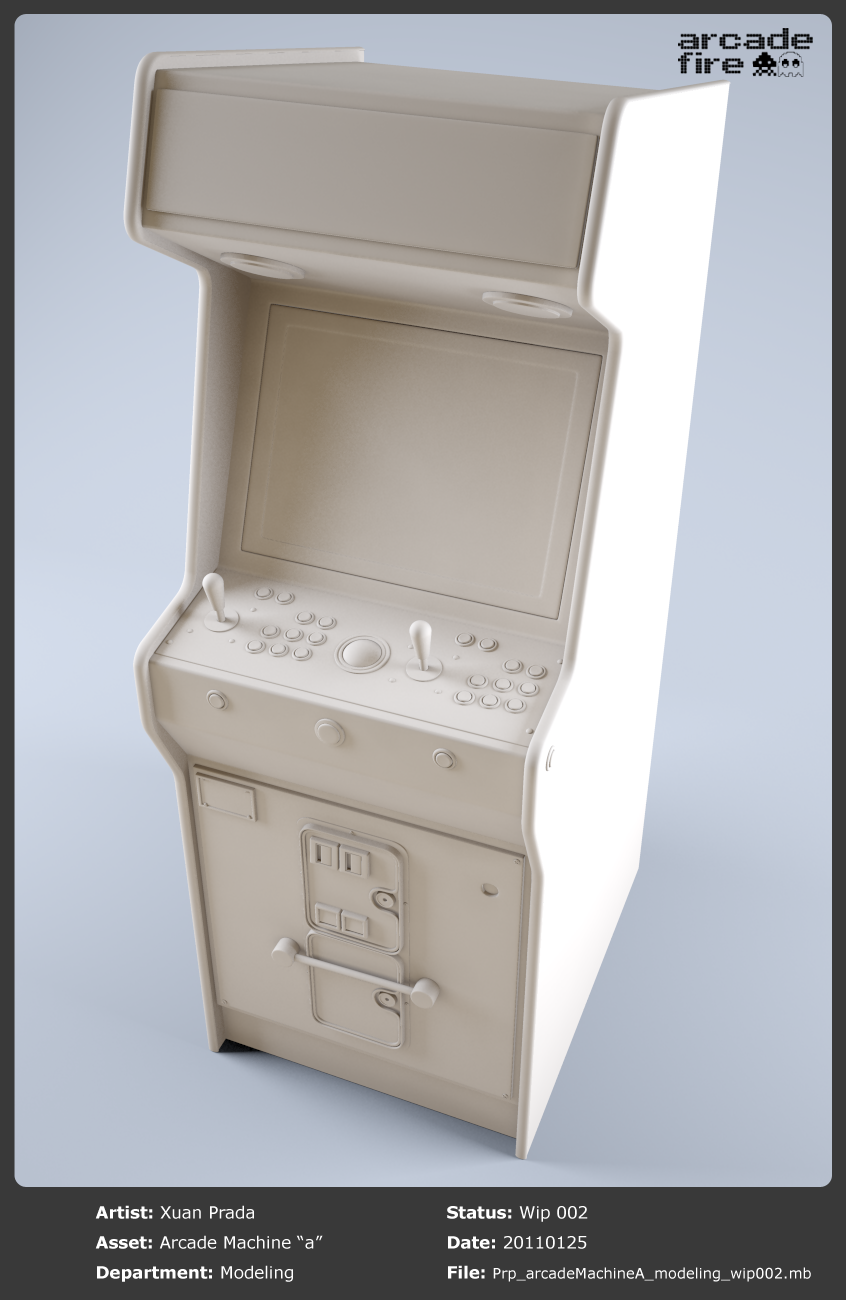
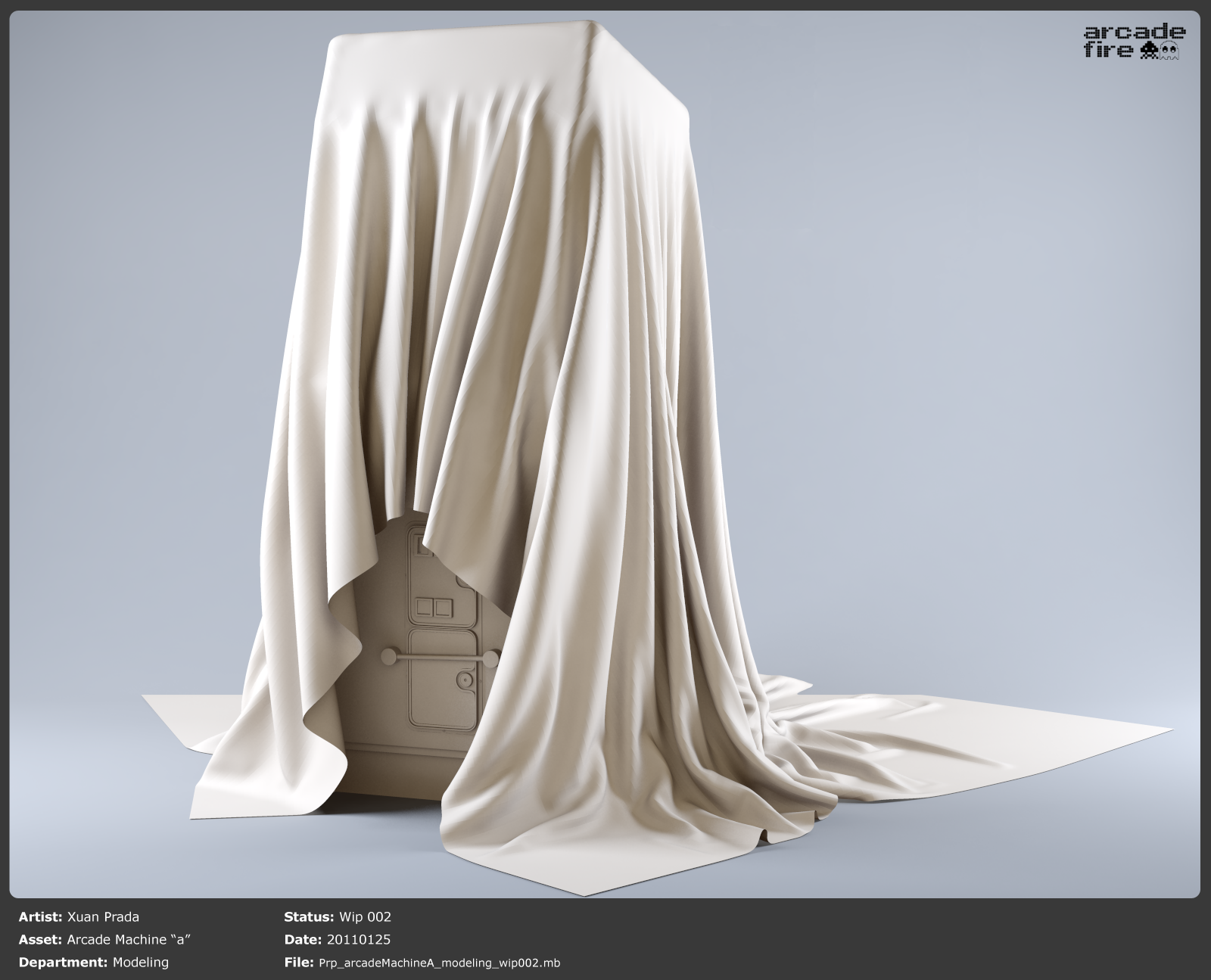
Arcade Fire Wip 002.

Note: The artwork shown in this post doesn't belong to the I Like You short film.

Find below some wires.


Click images to enlarge.

Arcade Fire Wip 001.

Note: The artwork shown in this post doesn't belong to the I Like You short film.

I've started a new personal work, it's a small project but enough complex to understand and practice new techniques and new software which I'll use in the production of I Like You short film.
Find below my first steps in the modeling process of one of the assets.

In this modeling exercise I've been practicing with Maya and Houdini.

Critiques and comments are very welcome.


Click images to enlarge.


2011-01-22

Inverted occlusion in Max.

People asked me for a step by step installation and usage of Binary Alchemy Color Ray Length shader in 3D Max.
Here we go.

Installation.

  • Download BA Shaders for 3D Max.
  • Copy .dll files here -> "3ds Max 2010\mentalray\shaders_3rdparty\shaders"
  • Copy .mi files here -> "3ds Max 2010\mentalray\shaders_3rdparty\include"
  • Edit "3rdparty.mi" located here -> 3ds Max 2010\mentalray\shaders_3rdparty
  • Your "3rdparty.mi" must be something like this.

Usage.
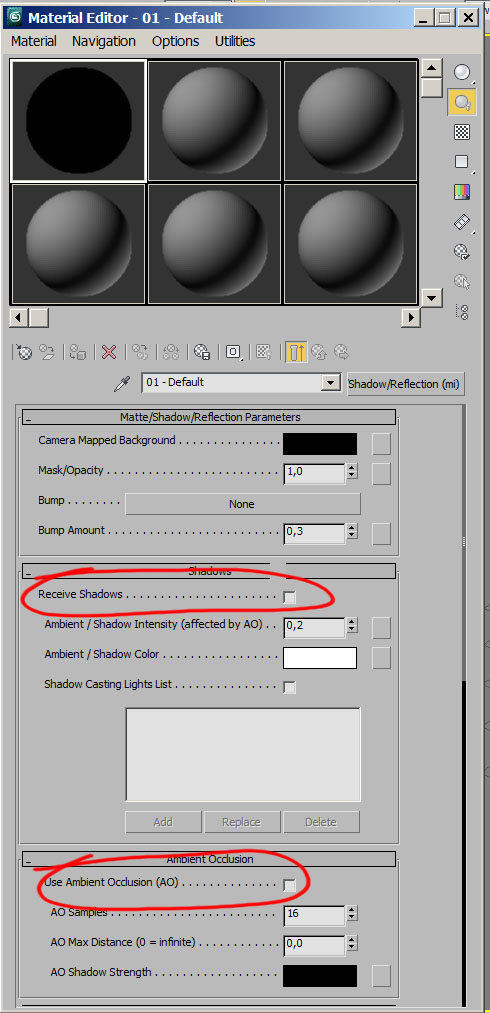
  • Create a matte/shadow shader and uncheck "receive shadows" and "use ambient occlusion".

  • In the "camera mapped background" input, connect a "BA_color_raylength" shader.

  • Play with the "spread" to control the behaviour of the occlusion.
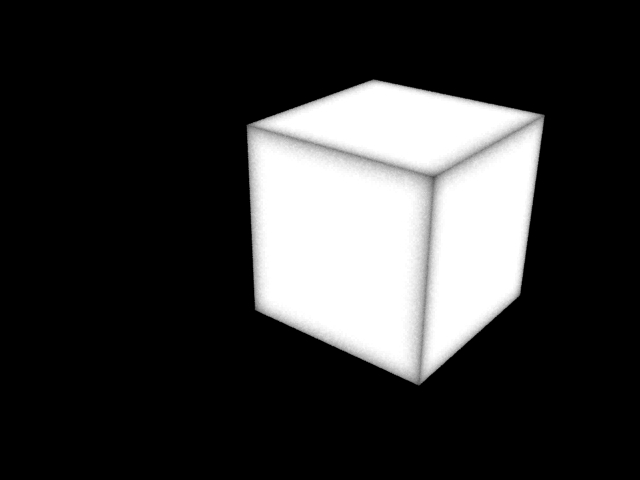
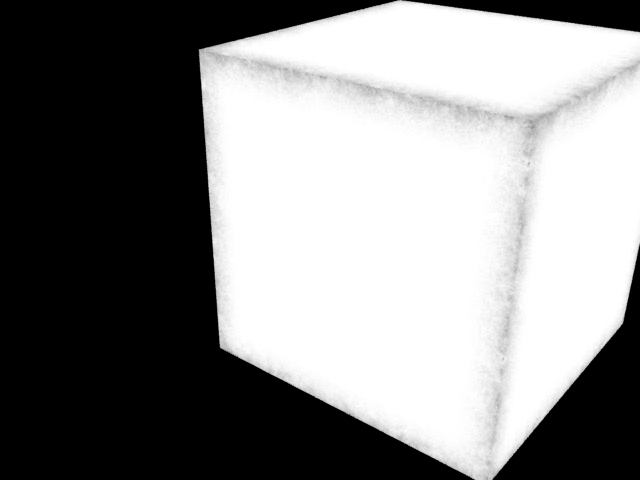
  • Once rendered you'll have something similar to this.

  • Mix the "BA_color_raylength" with procedural maps o bitmaps to improve the result.

Edit: The most important parameters to play with are "spread" and "far output".